Barco ClickShare CX-50 you can start a meeting wherever you are with co-workers and stakeholders around the world. ClickShare CX-50 supports Bring Your Own Device (BYOD) and it can also be used alongside any unified communications (UC) platform and any brand of AV peripherals. This makes remote collaboration a breeze when joining the meeting. ClickShare CX-50 is fully compatible with Windows, Mac, iOS, and Android devices; ClickShare CX-50 users can benefit from interactive features including moderation, local view of the room display, annotation, blackboarding and touchback support allows users to control the touchscreen in the room, thus enjoy interactive meetings.
CX50 offers a range of capabilities for more effective collaboration in your medium-to-large meeting rooms including annotation so meeting participants can add comments to slides, blackboarding so details can be updated in real-time, moderation for team members to control what is shown on the meeting screen and complete touch-screen control through ClickShare CX-50 touchback support feature. Use the ClickShare Conference Button and the ClickShare Collaboration App (for PC, Mac, and mobile devices) for intuitive and consistent user experience.
For any business environment, ClickShare CX-50 is a perfect fit. Featuring enhanced security for your privacy and peace of mind, ClickShare Conference can be seamlessly integrated into any IT network. The XMS (Cloud) Management Platform, meanwhile, allows for simple and straightforward device management as well as a user-friendly experience and clear analytics.
| Specification |
General |
What’s in Box |
| • Video outputs 4K UHD (3840*2160) @ 30Hz. HDMI 1.4b
• Video inputs 1920×1080 @30Hz. HDMI 1.4b
• Support touch screen compatible
• Audio output USB, SPDIF, jack, HDMI
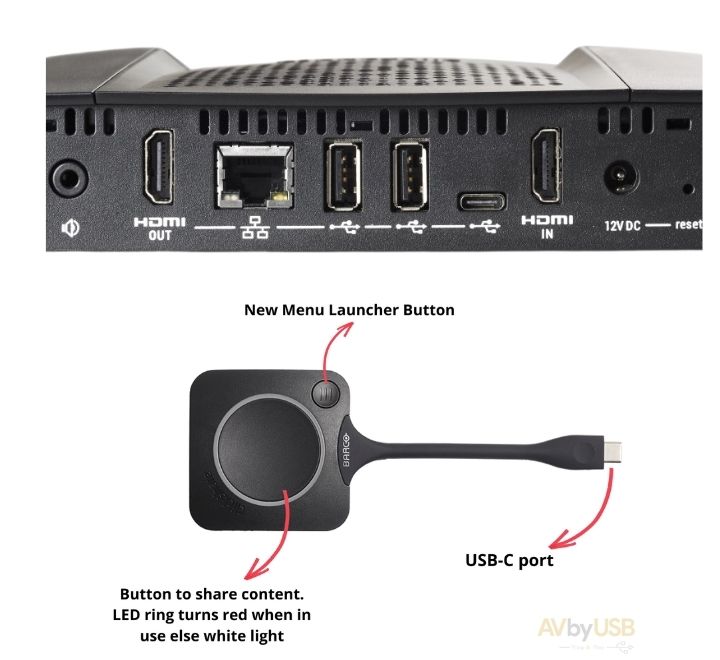
• 3 X USB-A, 1 X USB-C
• Clickshare Buttons 2
• ClickShare App Desktop & Mobile*
• Native protocols Airplay, Google Cast*, Miracast*
• Connections 1x Ethernet LAN 1Gbit
1x USB Type-C 2.0 (front); 1x USB Type-A 2.0 (front)
• Network connection LAN & WiFi *
• Wireless IEEE 802.11ac, 5GHz, 2T2R
• Data Rate Wireless Up to 400Mpbs
• Authentication Protocol WPA2(WPA-PSK and WPA2-Enterperise)
• Support platform Windows, MAC, Chrome. Any OS supports HDMI standard
• Security (encryption ) AES 128 bit
• Security (encryption ) AES 128 bit
• Security (encryption ) AES 128 bit
|
• Operating system Windows 8/8.1/10. macOS 10.13 and higher. Android v9 and higher (ClickShare App)* iOS 12 and higher (ClickShare App)*
• Noise Level Max. 25dBA @ 0-30°C
Max. 30dBA @ 30-40°C
• Authentication protocol WPA2-PSK in stand-alone mode
WPA2-PSK or IEEE 802.1X using the ClickShare Button in network integration mode
• Reach Adjustable with signal strength modulation; max. 30m (100 ft) between ClickShare Button and
ClickShare Base Unit
• Frequency band 2.4 GHZ and 5 GHz (DFS)
Frequency band 2.4 GHZ and 5 GHz (DFS channels supported in a select number of countries)
• Wireless transmission protocol IEEE 802.11 a/g/n/ac and IEEE 802.15.1
• Color: black
• Kensington lock
• Power supply Standard 110/220 V AC plug
• Base Unit Dimensions (HxWxD) 39 mm x 200 mm x 202 mm
• Button Dimensions: (84.5×189.55×19.9) mm, 110g
• Weight 900gms
|
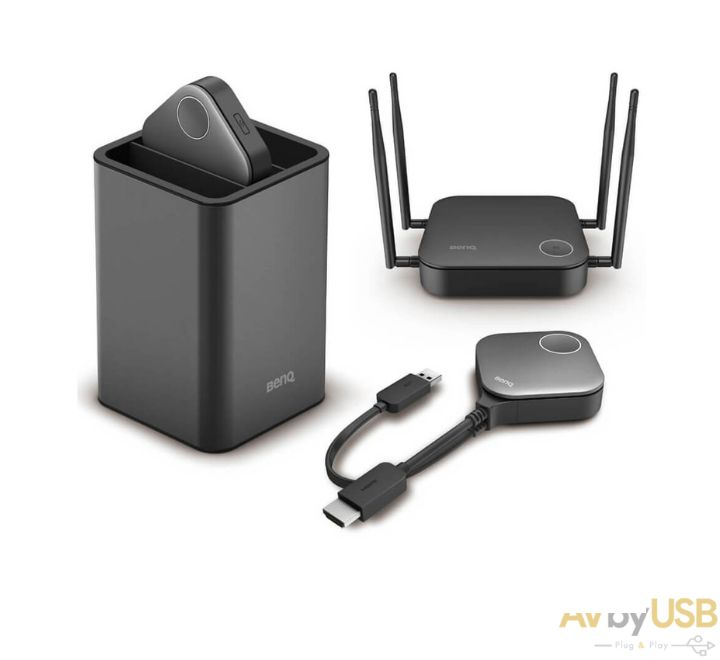
• ClickShare CX-50 Unit
• 1 X Base unit and 2 X USB C Buttons
• Power cable with adaptor
• Wall mounting plate
• Safety and quick start guide
• 5 years Barco SmartCare included
|




.jpg)
.jpg)
.jpg)
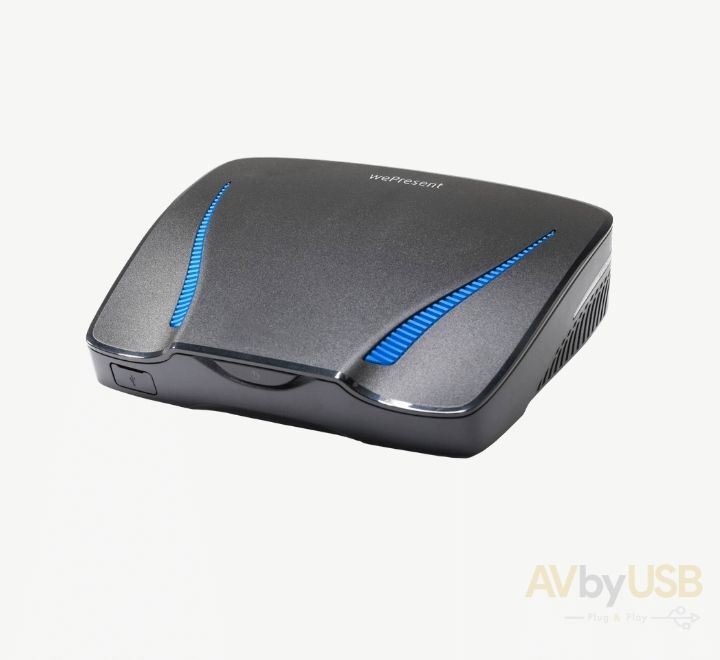
 Barco ClickShare CX50